SeriesSpark & Delta 101
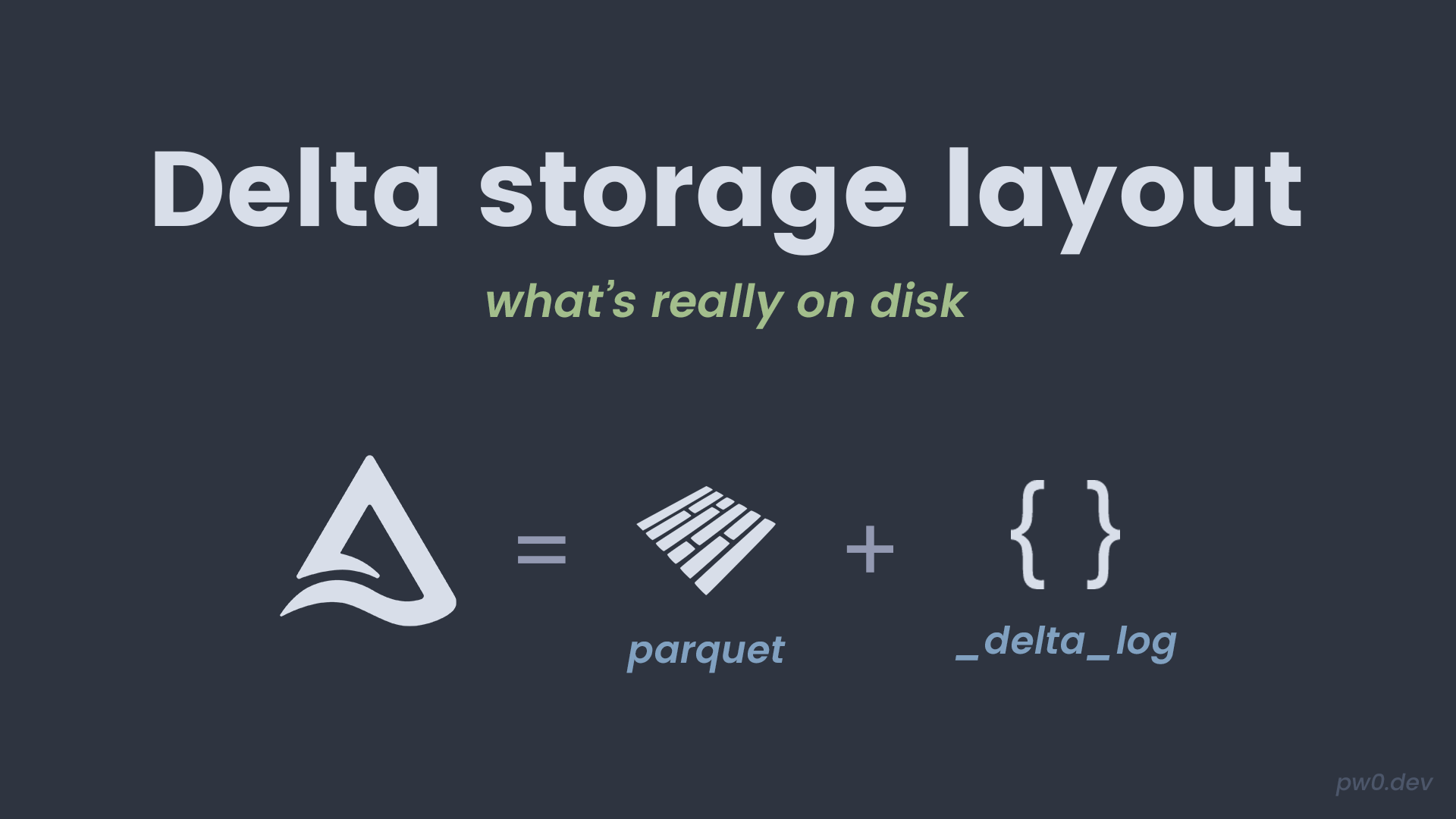
Delta tables are Parquet files plus a transaction log. This post helps you see the folder structure and build intuition about what Delta writes to disk. Ref: Delta transaction log.
Downloads at the end: go to Downloads.
Quick takeaways
- Delta tables store data in Parquet files.
- The
_delta_logfolder tracks all versions and changes. - You can inspect the files to understand how Delta works.
Run it yourself
- Local Spark (Docker): main path for this blog.
- Databricks Free Edition: quick alternative if you do not want Docker.
| |
Links:
Create a small Delta table
Create a table we can inspect on disk.
| |
Expected output:
You should see _delta_log and Parquet files in the folder.
Inspect the folder structure
List directories to confirm the layout.
| |
Expected output (example):
storage_layout/
  _delta_log/
  part-00000-...
What to verify
- You see a
_delta_log/directory. - You see Parquet files in the table root.
- The table still reads normally via
format("delta").
Notes from practice
- Do not edit
_delta_logfiles manually. - The log is what makes time travel and ACID possible.
- Understanding the layout helps when debugging storage issues.
Downloads
If you want to run this without copying code, download the notebook or the .py export.